
Frustrated Programmer Facing Runtime Error on Computer Screen Stock Image - Free Download
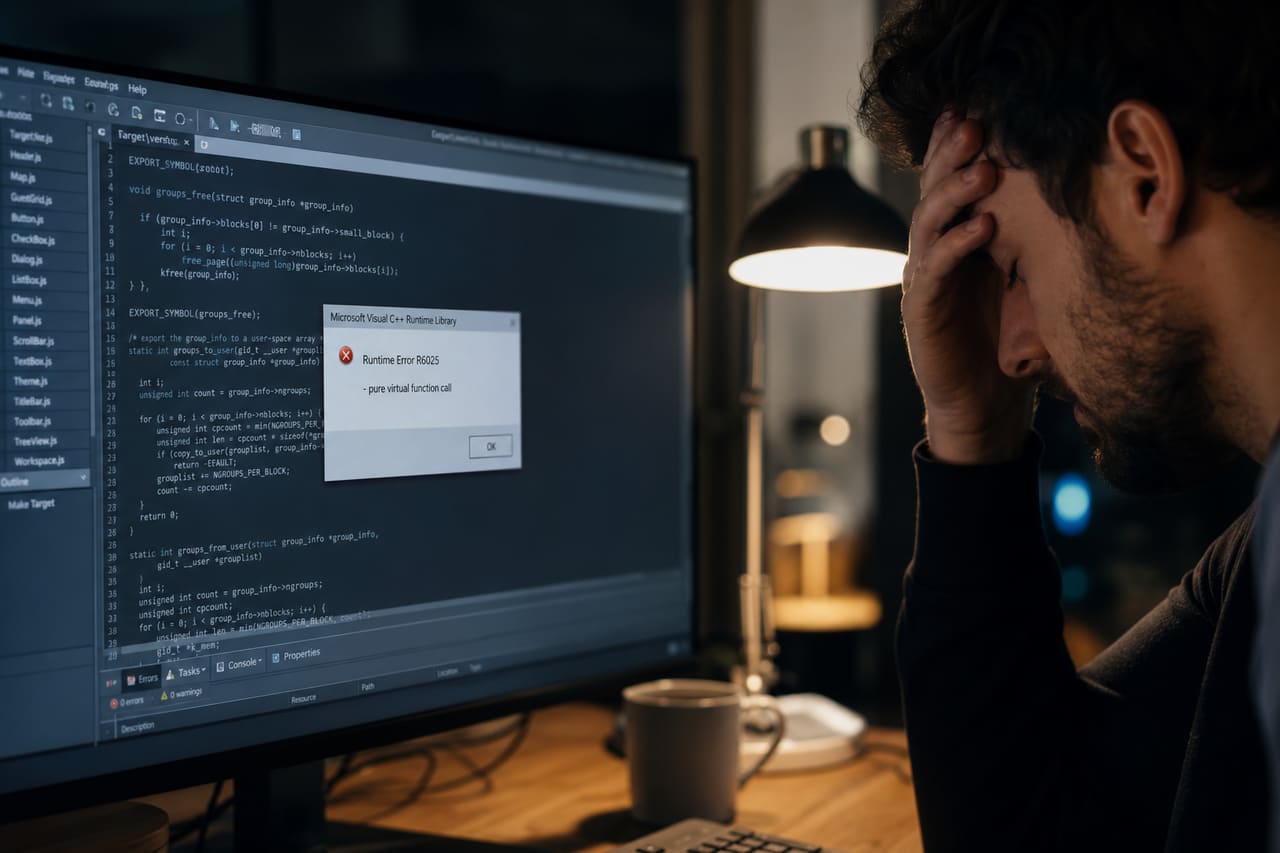
A stressed programmer works late at night, dealing with a critical R6025 runtime error on his computer screen.
Free stock download. Crop, Filter, Cutout, Background Remove, Resize, or Watermark before you save. 512 and 1K stay free.
Creation description
A high-quality photograph of a software developer sitting at a modern desk in a dimly lit home office. The focus is on a large computer monitor displaying a detailed software debugging environment with a prominent, realistic Windows-style error dialogue box that reads 'Runtime Error R6025'. The programmer, a man in his 30s, is visible from the side, resting his head in one hand with a look of stress and exhaustion. The desk contains a mechanical keyboard, a gaming mouse, and a half-empty cup of coffee, creating an authentic atmosphere of late-night coding.
Usage tips
Ideal for articles about software debugging, programming challenges, IT troubleshooting, or technical support services. Use the negative space around the monitor for overlaying text or tips on how to fix runtime errors. The moody lighting makes it suitable for themes of burnout or high-pressure tech environments.
Color palette
Image generation prompt
A cinematic, hyper-realistic photograph of a stressed software engineer in a moody, dimly lit workspace. Close-up shot focusing on a high-resolution monitor displaying a code editor with a system error popup window stating 'Runtime Error R6025'. The lighting is a mix of the cool blue glow from the screen and a warm desk lamp. Shallow depth of field, blurring the background of a modern apartment. The man is partially in frame, showing a gesture of frustration, hand on forehead. 8k resolution, photorealistic textures, natural skin tones, no distorted limbs, professional color grading, shot on 35mm lens.Tags
28 keywords
- Frustrated Programmer
- Runtime Error
- Computer Screen
- Software Development
- Debugging Process
- It Professional
- Home Office
- Workstation
- System Crash
- Technical Glitch
- Software Bug
- Programming Language
- Developer Stress
- Late Night Work
- Mechanical Keyboard
- Computer Mouse
- Coffee Cup
- Monitor
- Dialogue Box
- Error Message
- Windows Interface
- Male Developer
- Modern Desk
- Desk Lamp
- Blue Light
- Coding Environment
- Troubleshooting
- Cybersecurity
Similar Images
View all photos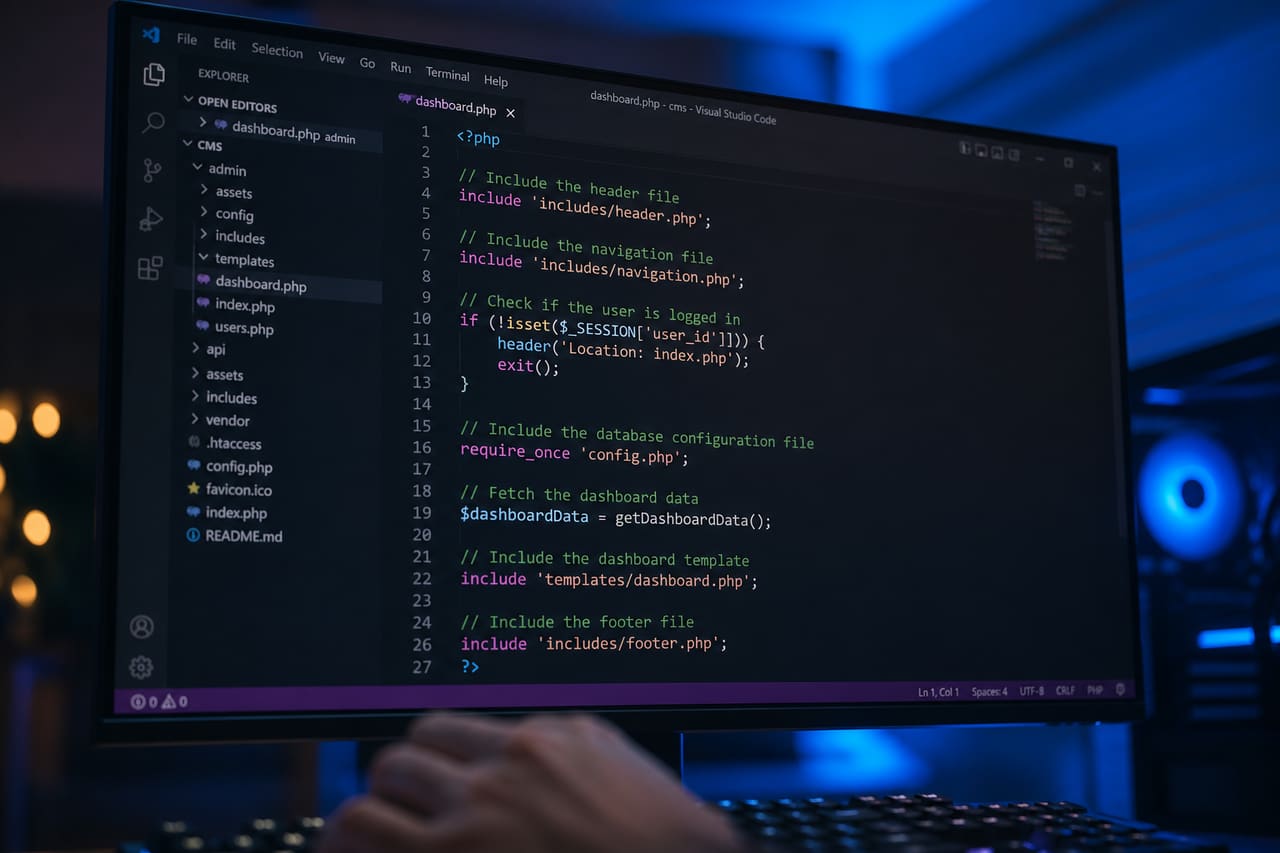 Developer Writing Php Include Code on a Computer Screen
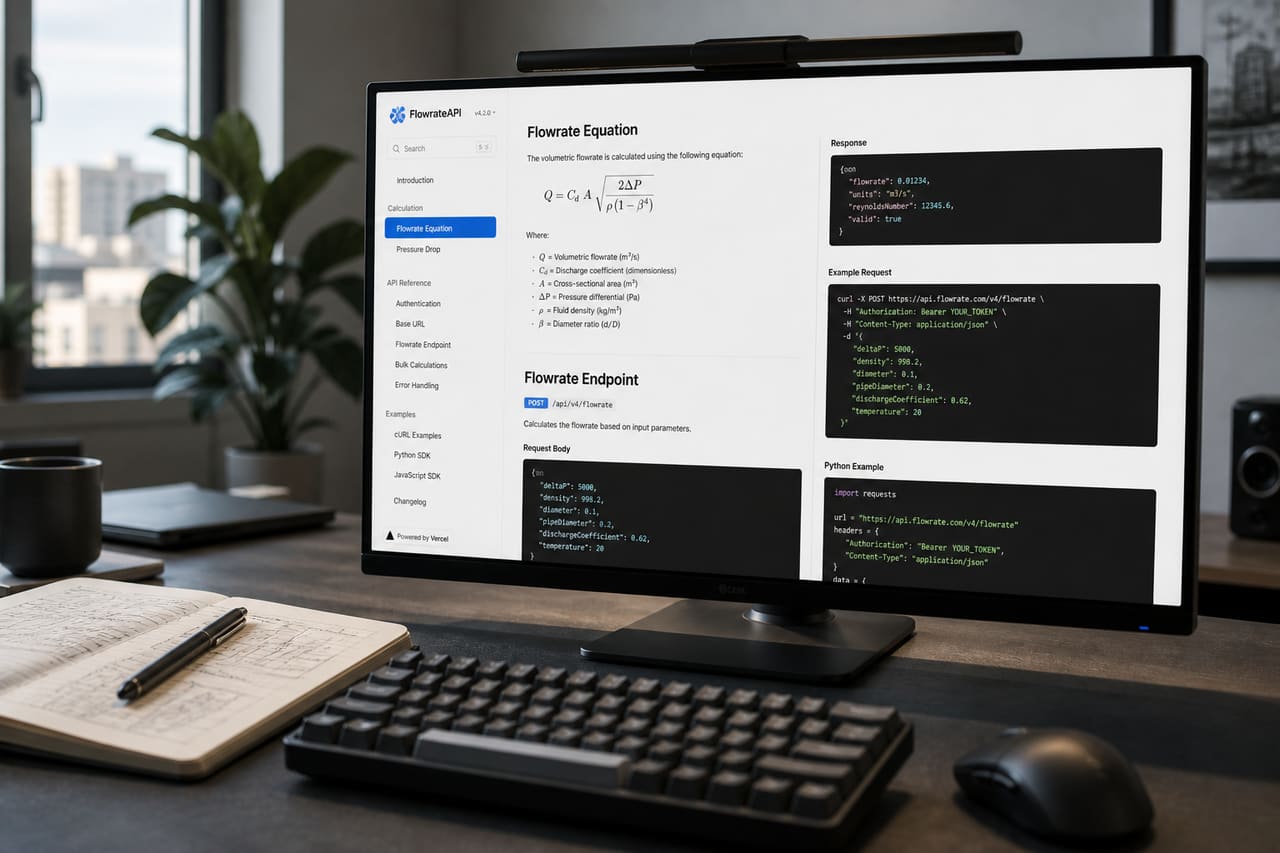 Developer Reviewing Technical API Documentation on a Computer Screen
 Professional Trader Analyzing Option Trading Charts on Multiple Monitors
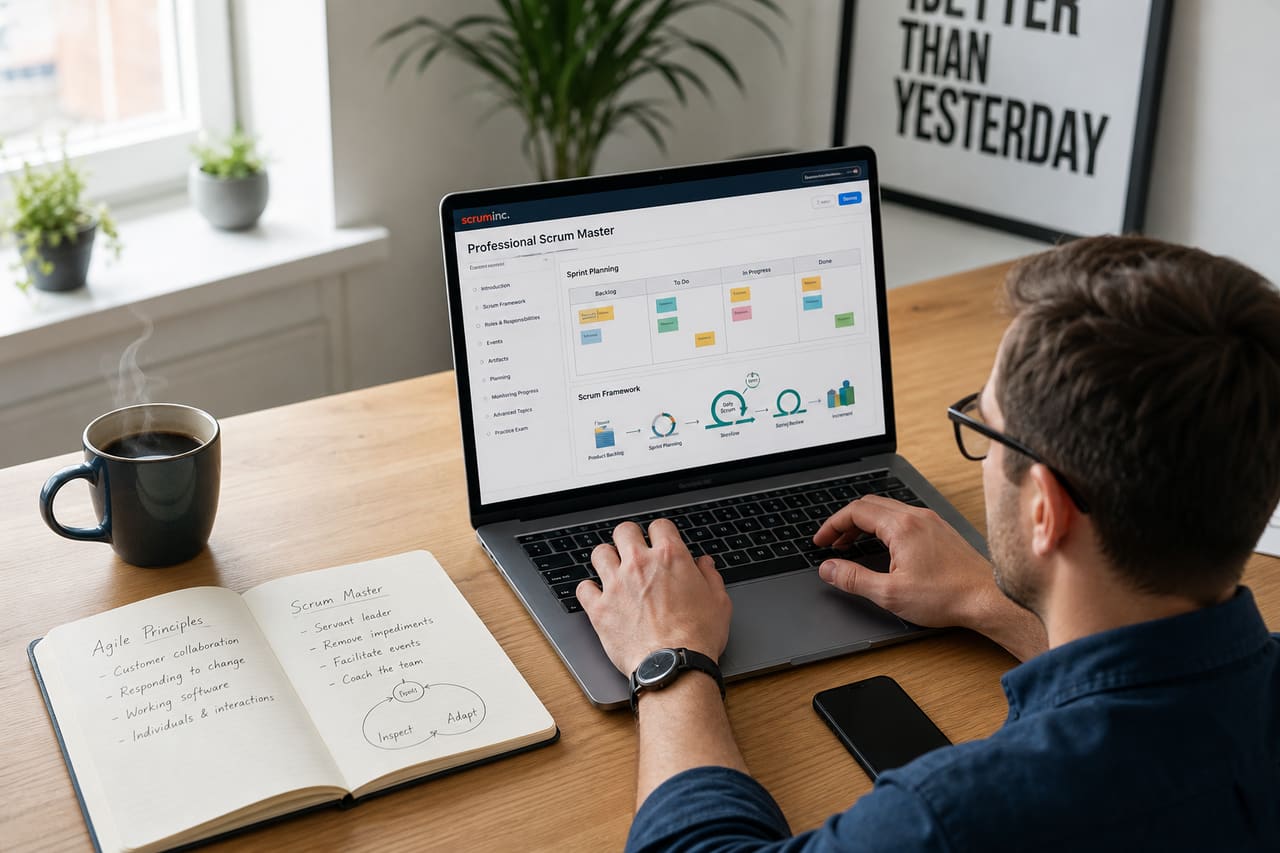 Professional Studying Professional Scrum Master Course on Laptop
 Gaming Monitor with Vibrant Display on a Modern Desk
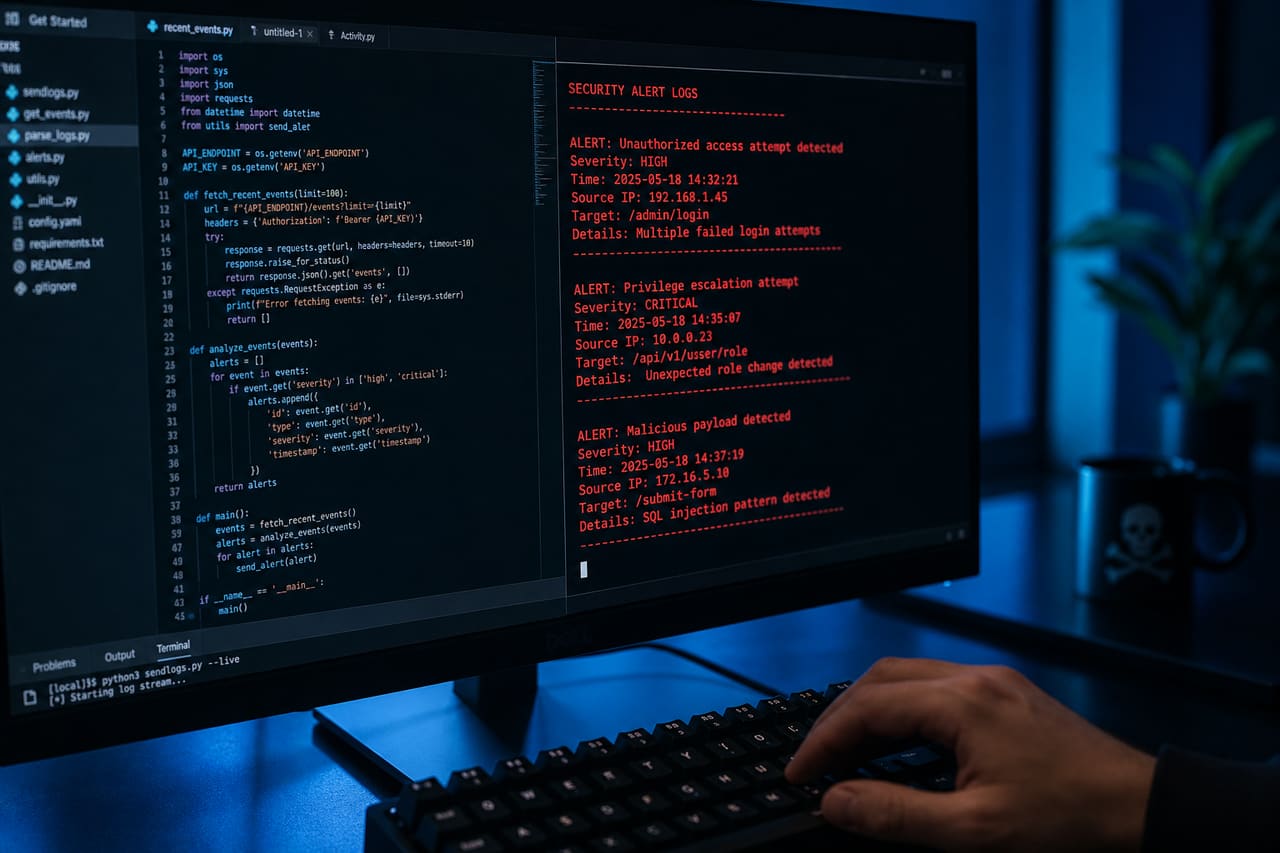 Cybersecurity Expert Analyzing Malicious Software Code on Computer Screen
 Frustrated Man Holding Old Smartphone with Frozen Screen
 Students Learning Computer Programming in a Modern Classroom
 Cybersecurity Professional Analyzing Network Vulnerabilities on Multiple Monitors
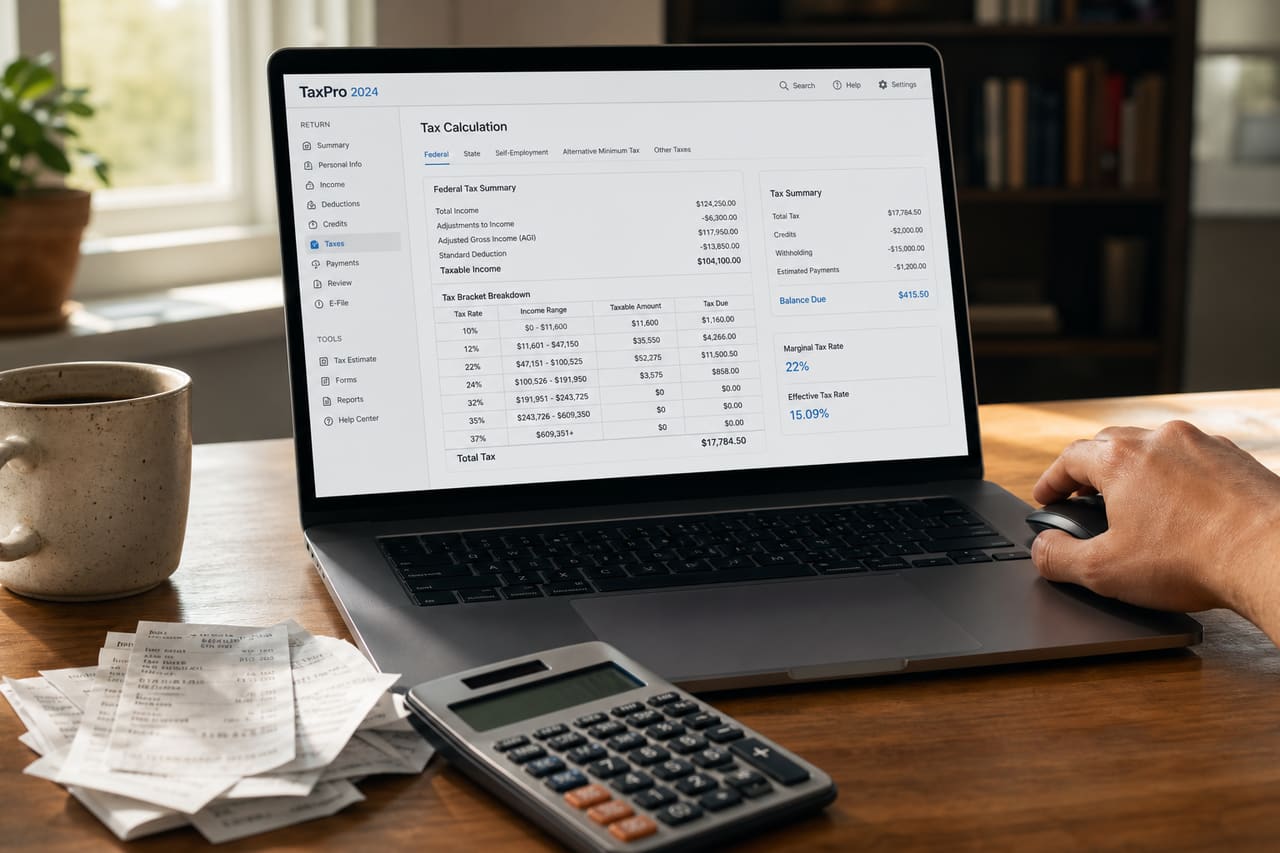 Freelancer Using Tax Calculator on Laptop in Home Office
 Person Using Laptop to Purchase I Bonds Online
 Laptop Displaying a Wellness Blog on a Sunny Desk
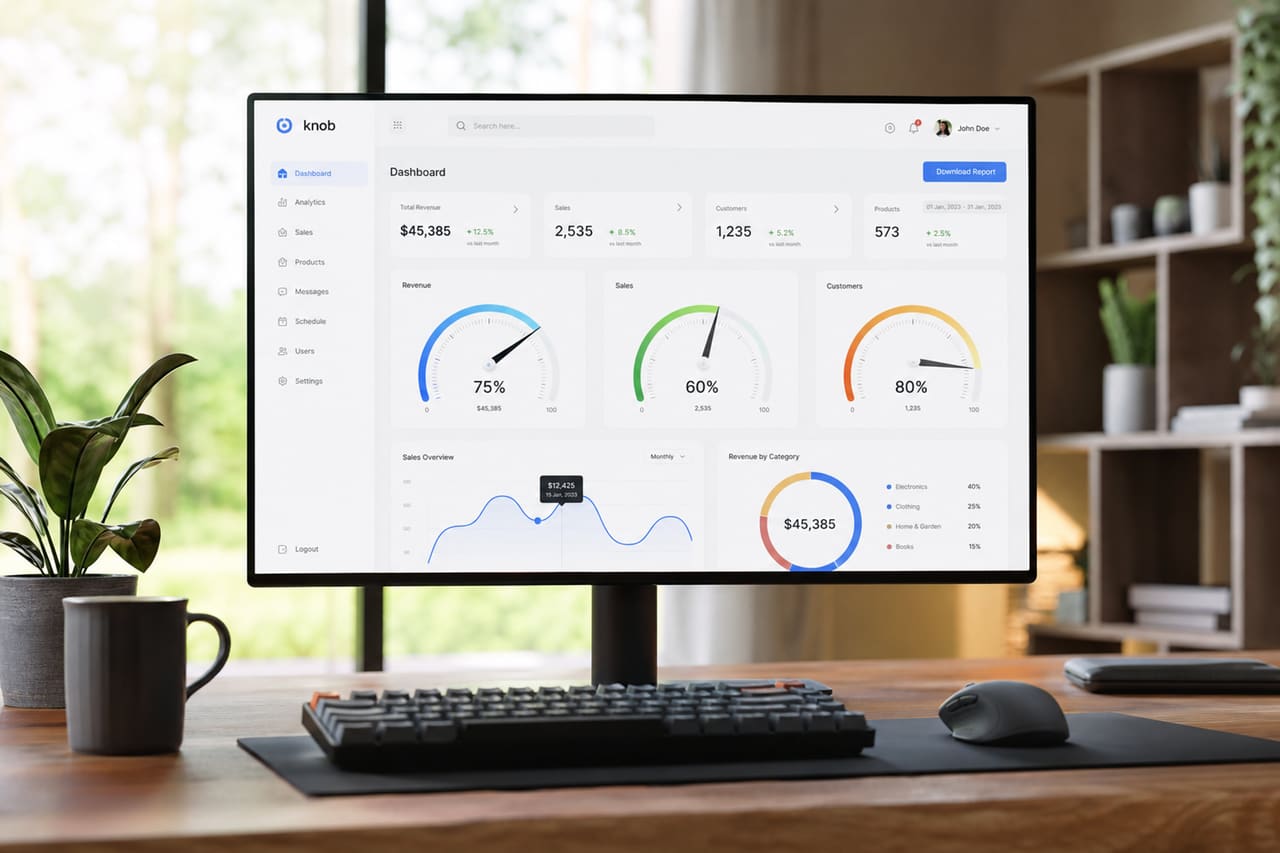 Data Dashboard Featuring Knob Chart JS Gauges on Monitor
 Laptop Screen Displaying Domain Parking Page in Home Office
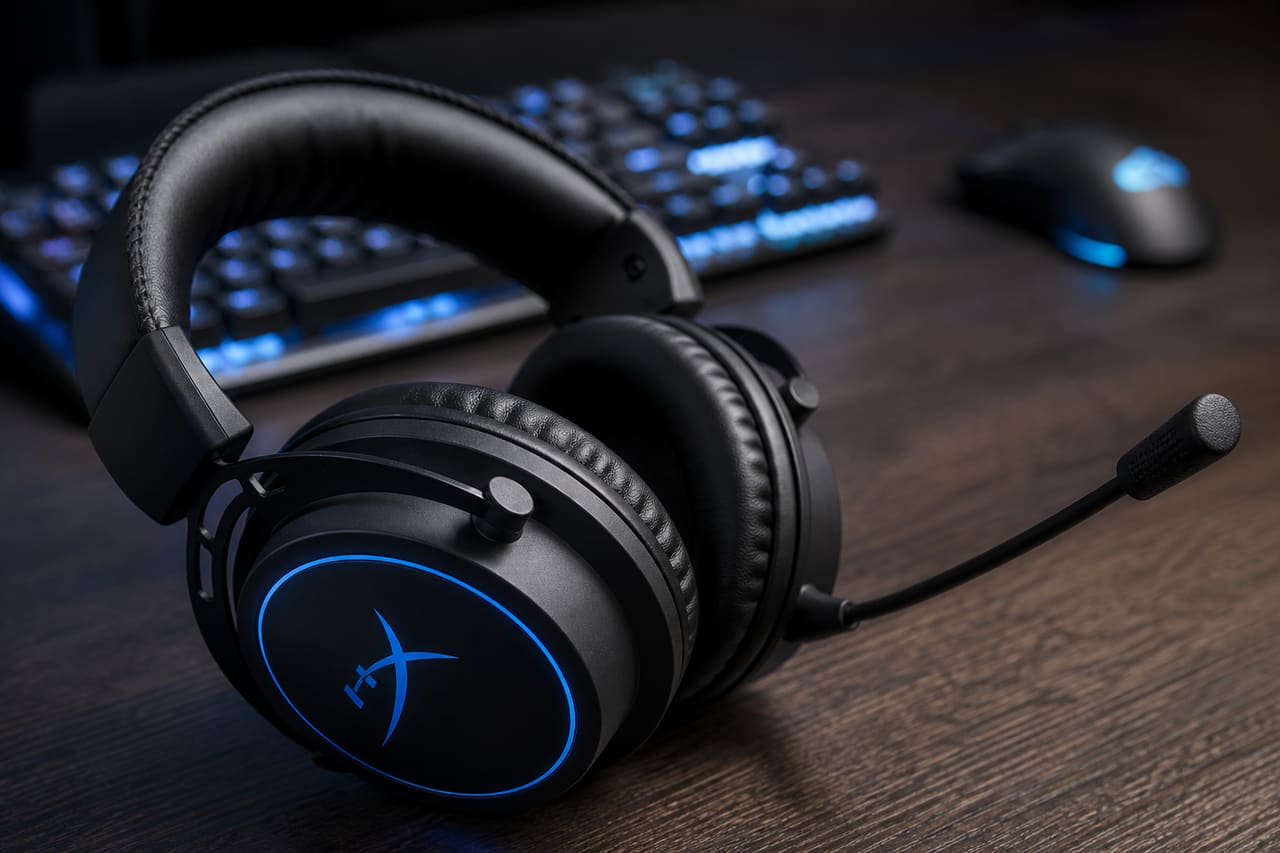 Professional Gaming Headset with Boom Microphone on Wooden Desk
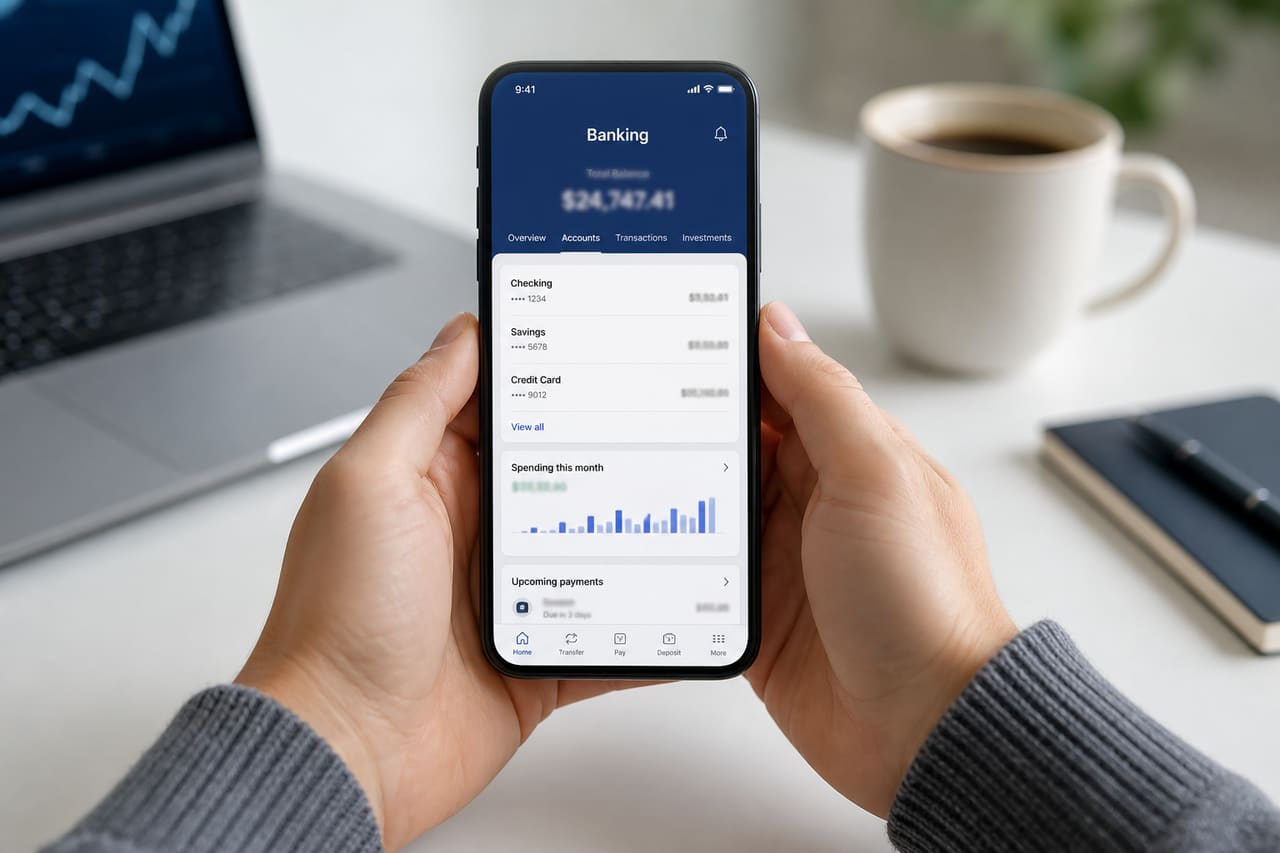 Person Viewing Credit Union Account Details on a Smartphone
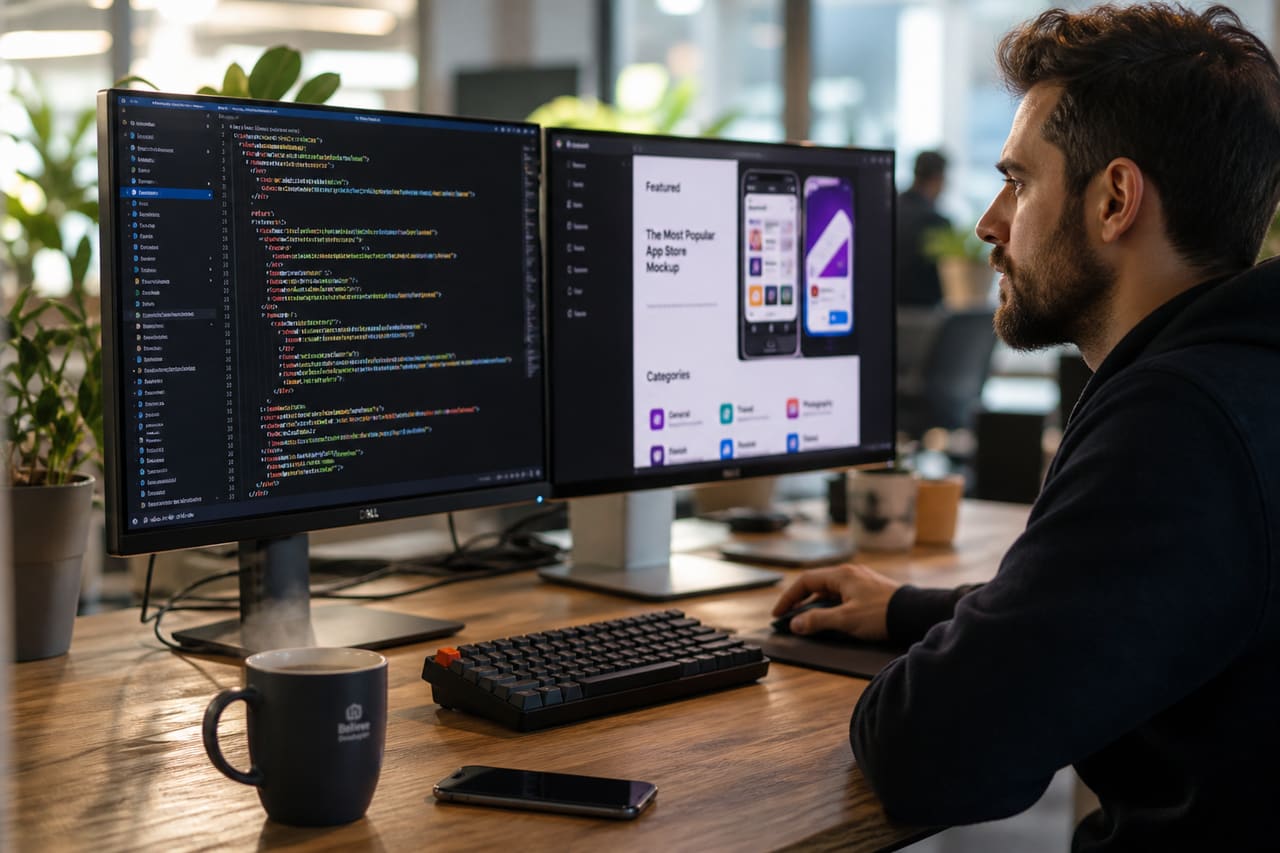 Software Developer Working on App Gallery Integration in Modern Office
 Woman Searching for Missing Date in a Vintage Paper Planner