
Watchmaker Replacing a Battery in an Aqua Master Watch Stock Image - Free Download
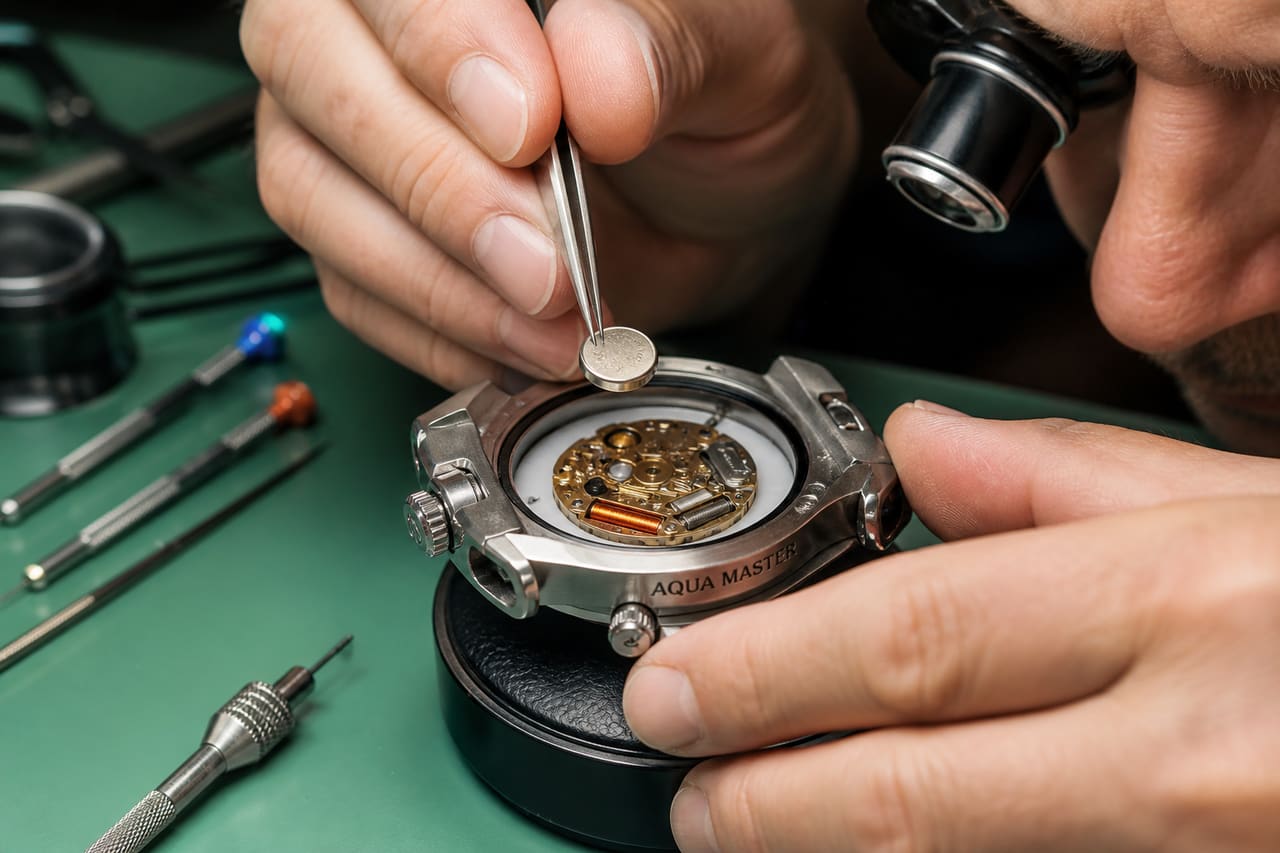
A professional watchmaker uses precision tweezers to install a new battery into an Aqua Master luxury watch on a detailed workbench.
Free stock download. Crop, Filter, Cutout, Background Remove, Resize, or Watermark before you save. 512 and 1K stay free.
Creation description
A high-detail, macro photograph of a professional watchmaker's workbench. A luxury Aqua Master dive watch is open, revealing its internal movement. The watchmaker's hand, wearing a nitrile glove, uses precision non-magnetic tweezers to carefully insert a small silver button-cell battery into the holder. The scene is lit with a bright, focused LED desk lamp, creating sharp details and realistic metallic reflections. In the background, a blurred assortment of horological tools, a magnifying loupe, and a microfiber cloth are visible on a green cutting mat.
Usage tips
Ideal for articles regarding luxury watch maintenance, DIY battery replacement guides, or professional horology services. The high-contrast macro shot works well as a hero image for technical blog posts or e-commerce service pages. For best results, crop to a 16:9 ratio to emphasize the workbench environment or 1:1 for a focused detail shot of the battery installation.
Color palette
Image generation prompt
Macro photography of a professional watchmaker replacing a silver button-cell battery in an open Aqua Master luxury dive watch. Close-up on precision tweezers holding the battery, focused on the watch movement. Professional workbench setting with a green anti-static mat, magnifying loupe, and horology tools in soft bokeh background. Lighting is bright, clinical, and directional from a desk lamp, highlighting brushed steel textures and metallic components. High resolution, 8k, photorealistic, shallow depth of field, authentic workshop atmosphere, no distortions, natural skin texture on hand.Tags
28 keywords
- Watchmaker
- Aqua Master Watch
- Battery Replacement
- Horology
- Precision Tools
- Button Cell Battery
- Watch Movement
- Tweezers
- Jeweler's Workbench
- Magnifying Loupe
- Microfiber Cloth
- Nitrile Glove
- Green Cutting Mat
- LED Lamp
- Technical Repair
- Watch Maintenance
- Macro Photography
- Close-Up
- Stainless Steel
- Mechanical Parts
- Hand Tool
- Timepiece
- Wristwatch
- Electronic Component
- Professional Service
- Detail Work
- Craftsmanship
- Engineering
Similar Images
View all photos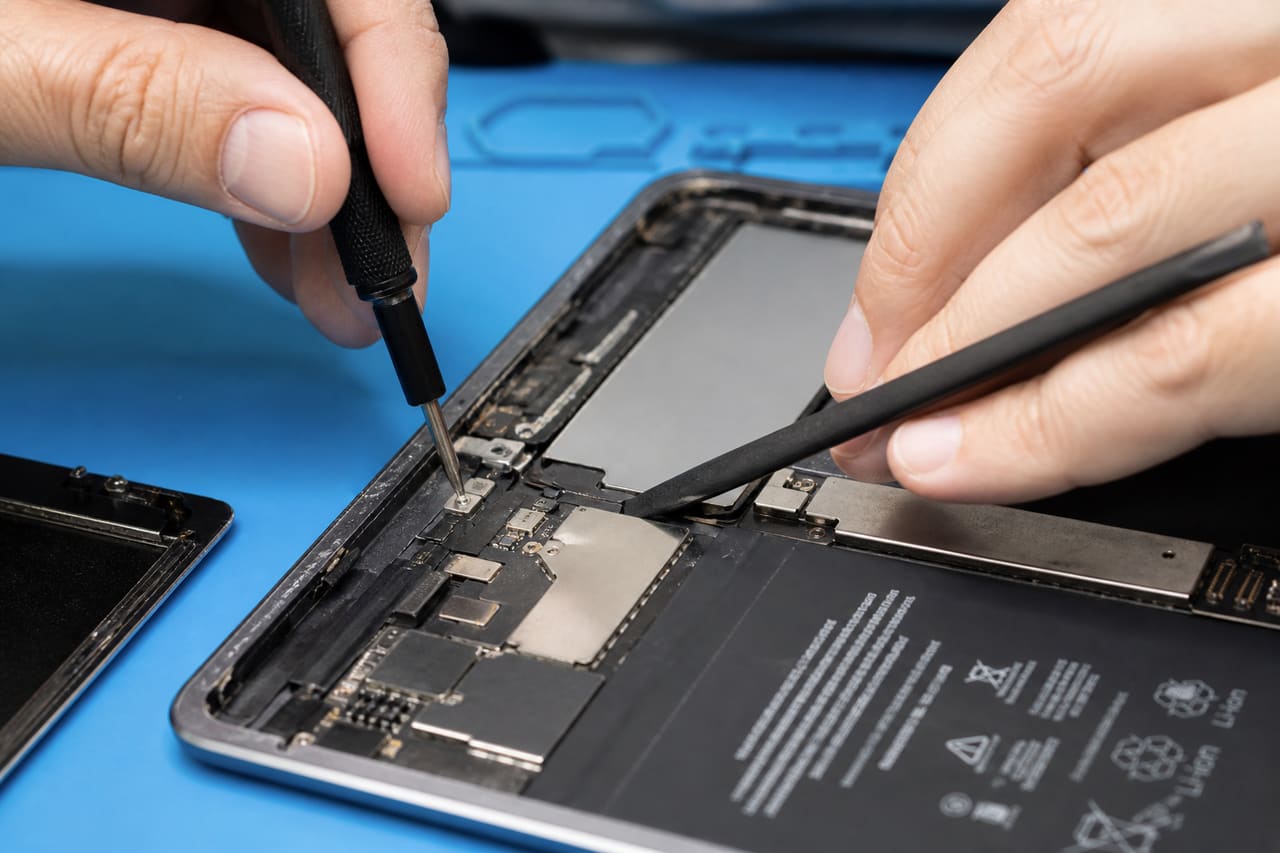 Professional Technician Repairing an Ipad Screen in a Modern Workshop
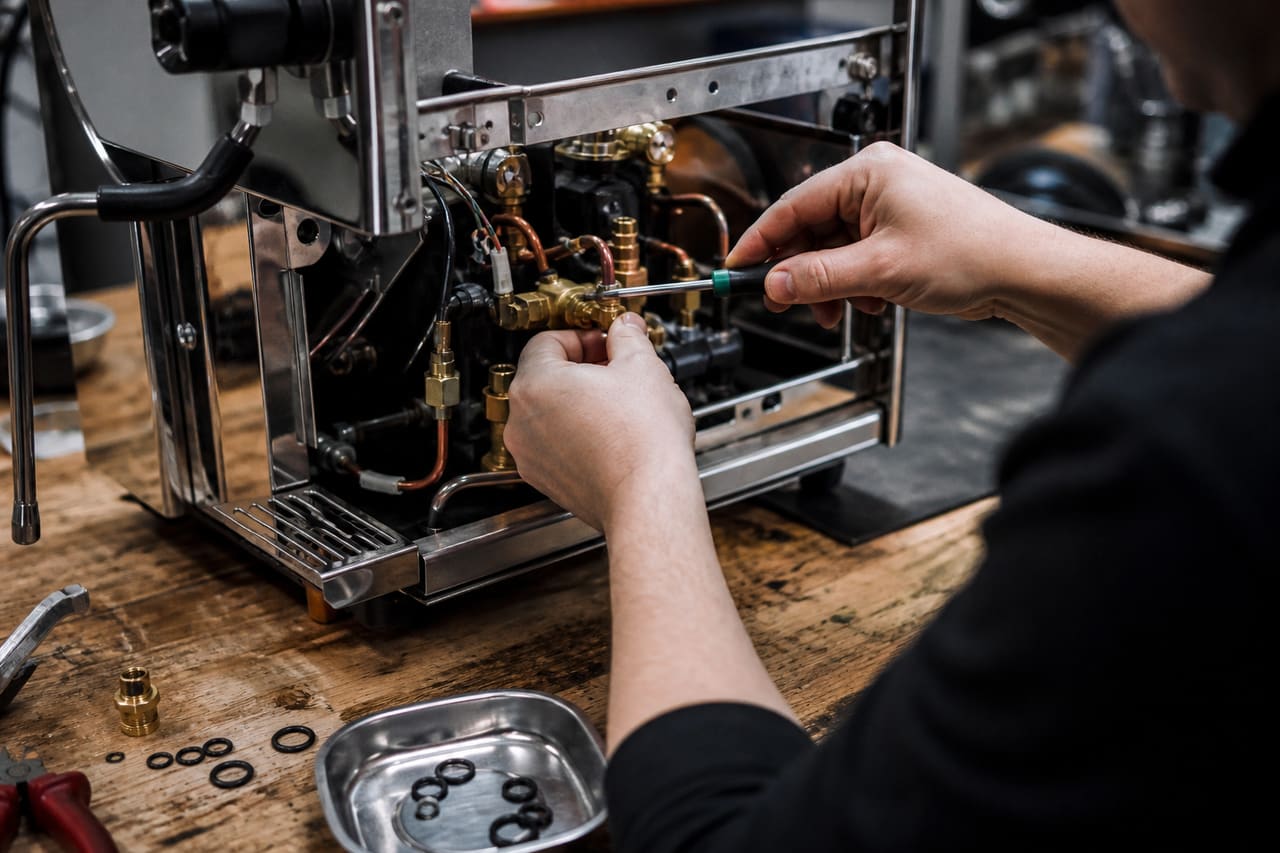 Technician Repairing an Espresso Machine in a Professional Workshop
 Gemologist Measuring a White Pearl for Grade Level
 Handcrafted Scottish Thistle Ring on a Rustic Wooden Surface
 Tactical Digital Watch with Secret Compartment on Wrist
 Saint Honore Ladies Watch on Cream Velvet Cushion
 Ltc2368 Analog to Digital Converter Chip on a Printed Circuit Board
 Professional Manicure Treatment at a Luxury Nail Spa
 Wooden Mala Prayer Beads with 108 Seeds on a Silk Cloth
 Close Up of Manicure with Panda Bear Nail Art
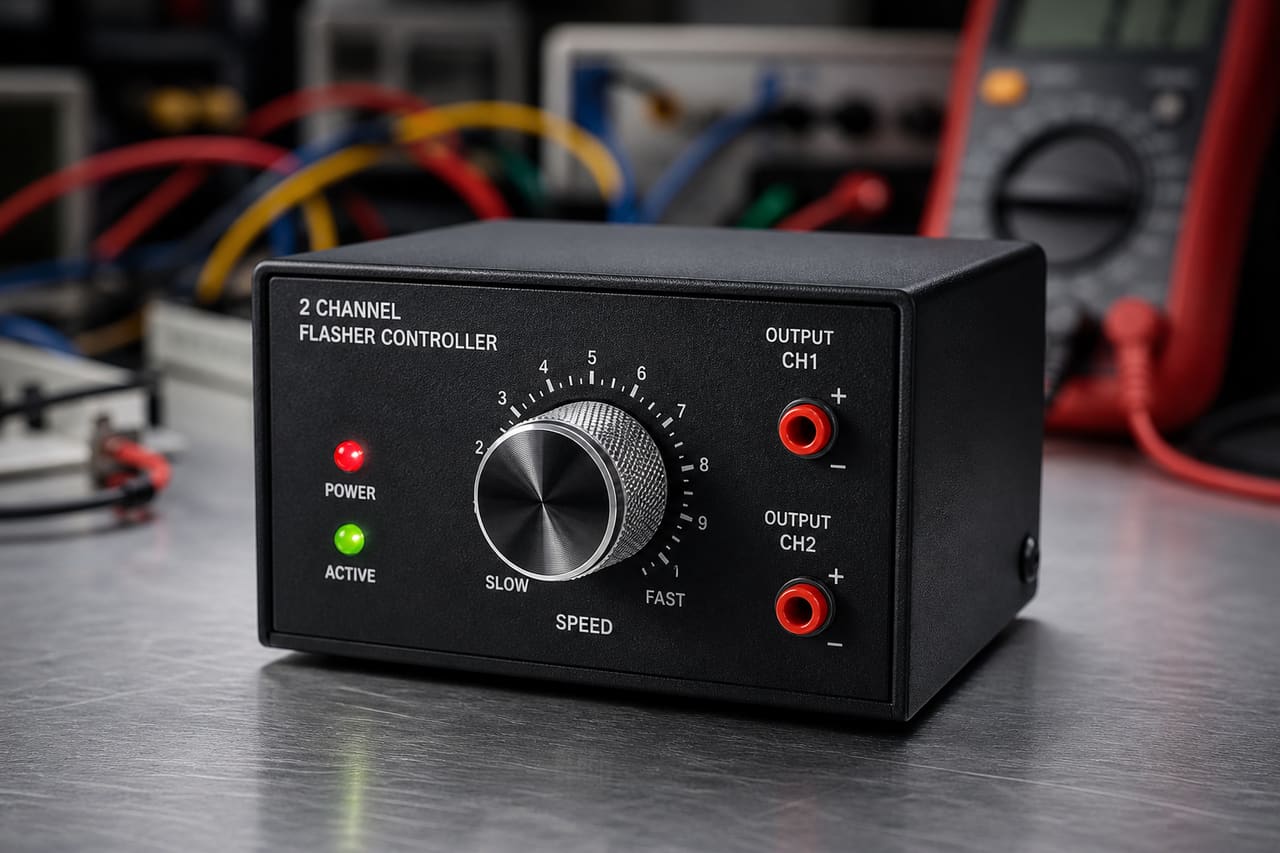 Two Channel Flasher Controller with Adjustable Speed Dial
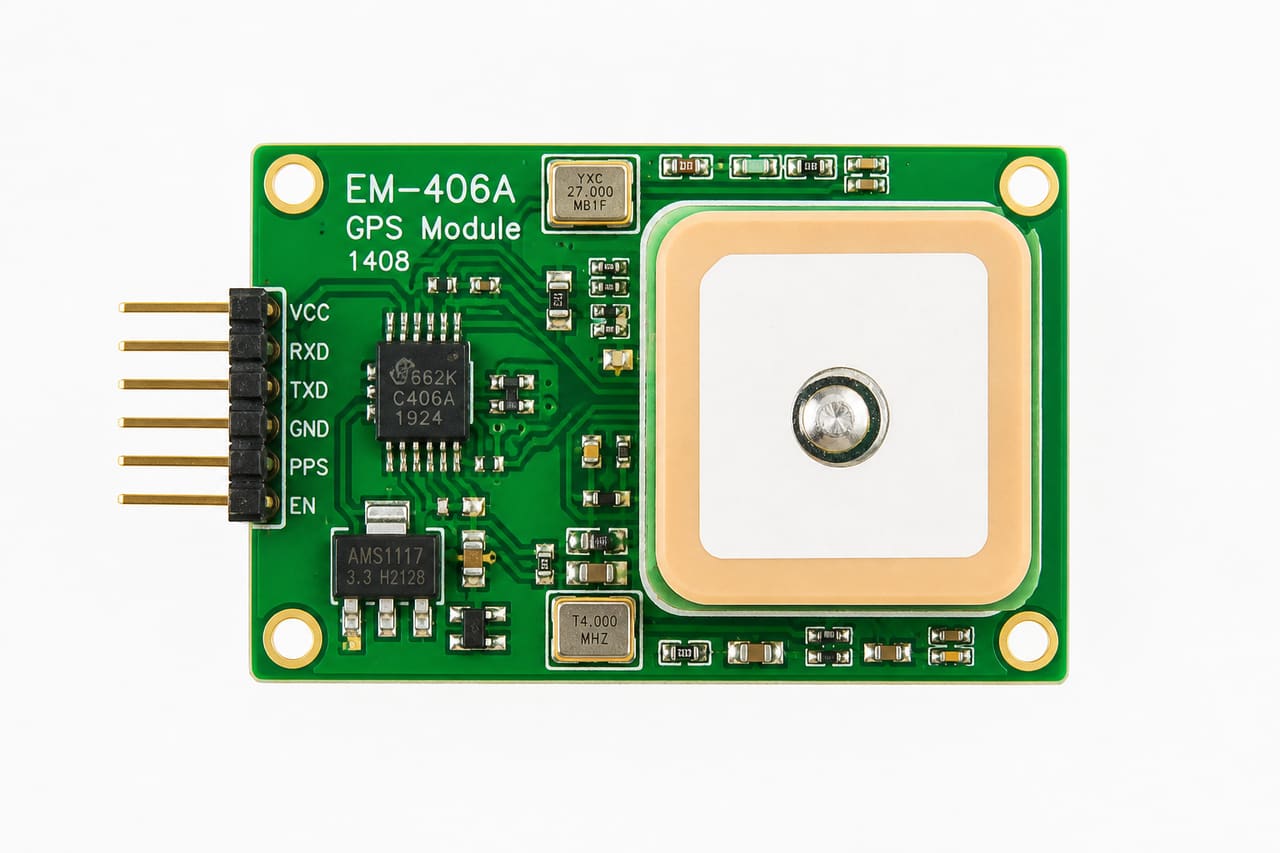 Em-406a GPS Module on a White Technical Background
 Antique Wind Up Clown Toy on a Rustic Wooden Table
 1999 American Eagle Silver Dollar on Dark Slate
 Hand Plucking a Ripe Strawberry in an Organic Garden
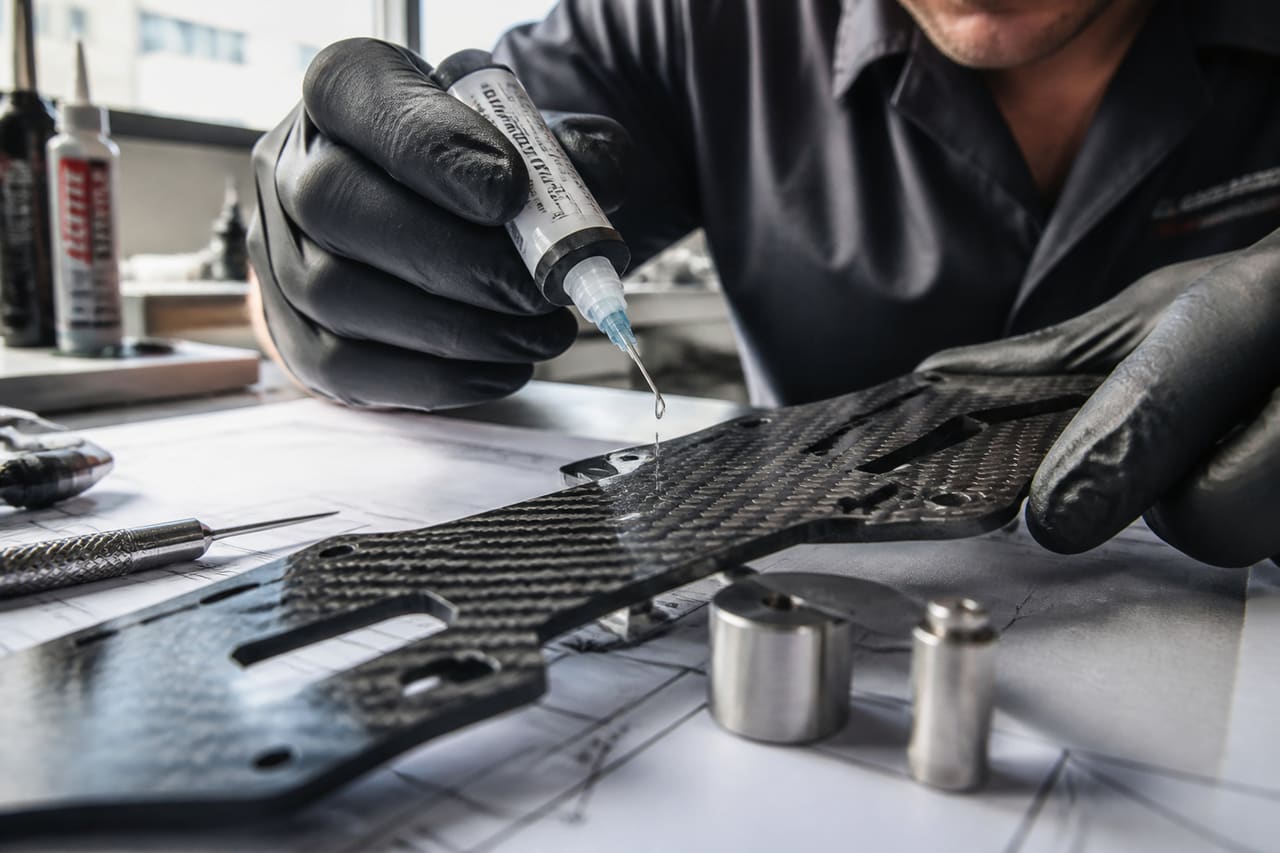 Technician Applying Superior Adhesives to Carbon Fiber Plates
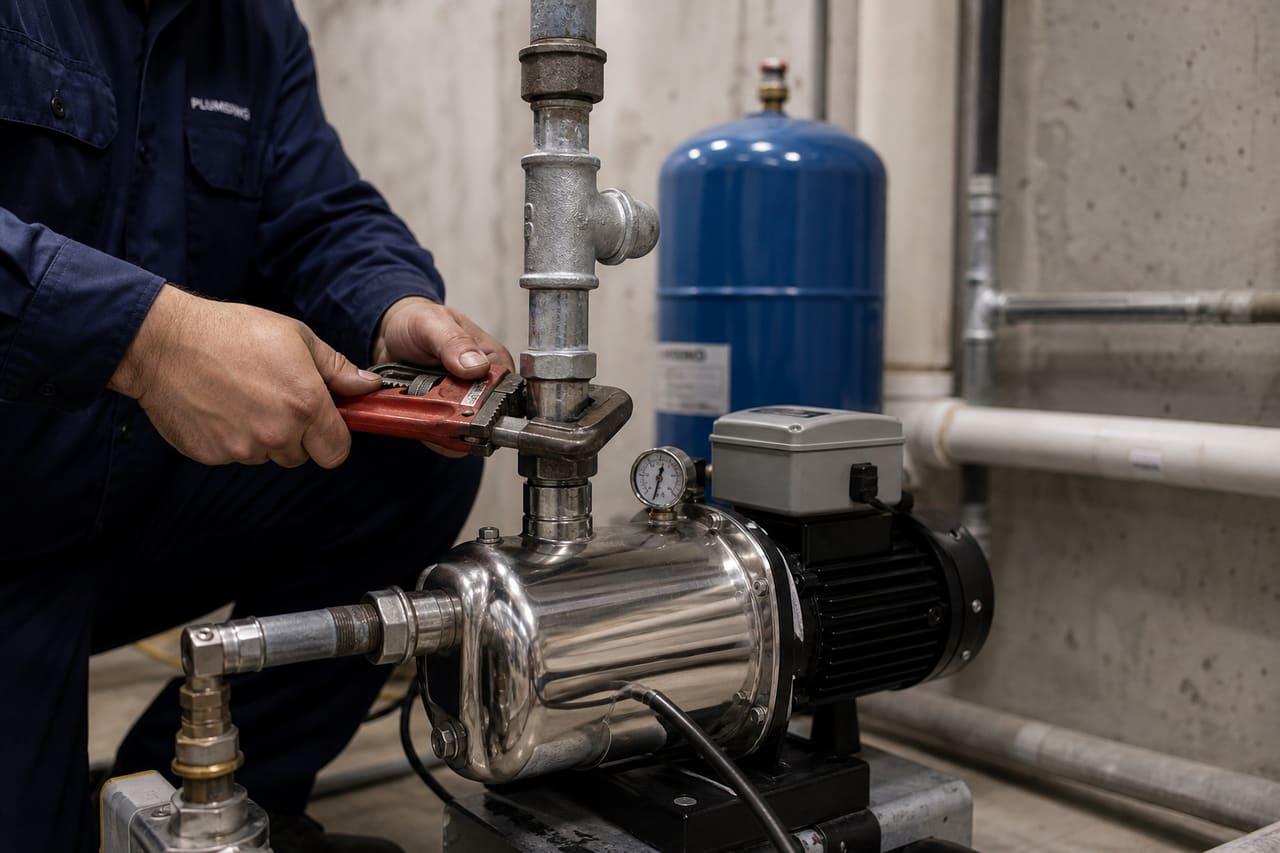 Plumber Replacing a Jet Pump in a Residential Basement
 Chef Basting a Roasted Turkey with White Wine in a Kitchen